Type
Region
Denomination
商品詳細
|
よくある質問
iTunes Gift Card FAQ
Region selection, balance use, redemption, and support.
What will I receive after purchase?
You will receive a digital redemption code for the region and amount you selected. It is delivered automatically after successful payment and can be viewed in your order. An Apple Account and a physical card are not included.
Which card region should I choose?
Choose the region that matches the country or region of the Apple Account used for App Store purchases and redemption. Check the account region under Media & Purchases in your account settings. Device language, system region, and physical location do not replace that setting.
Which regions, amounts, and currencies are available?
Use the product options currently available on the purchase page. Check the region, amount, currency, and price before ordering, especially when different currencies share the same symbol.
What can I buy with the balance?
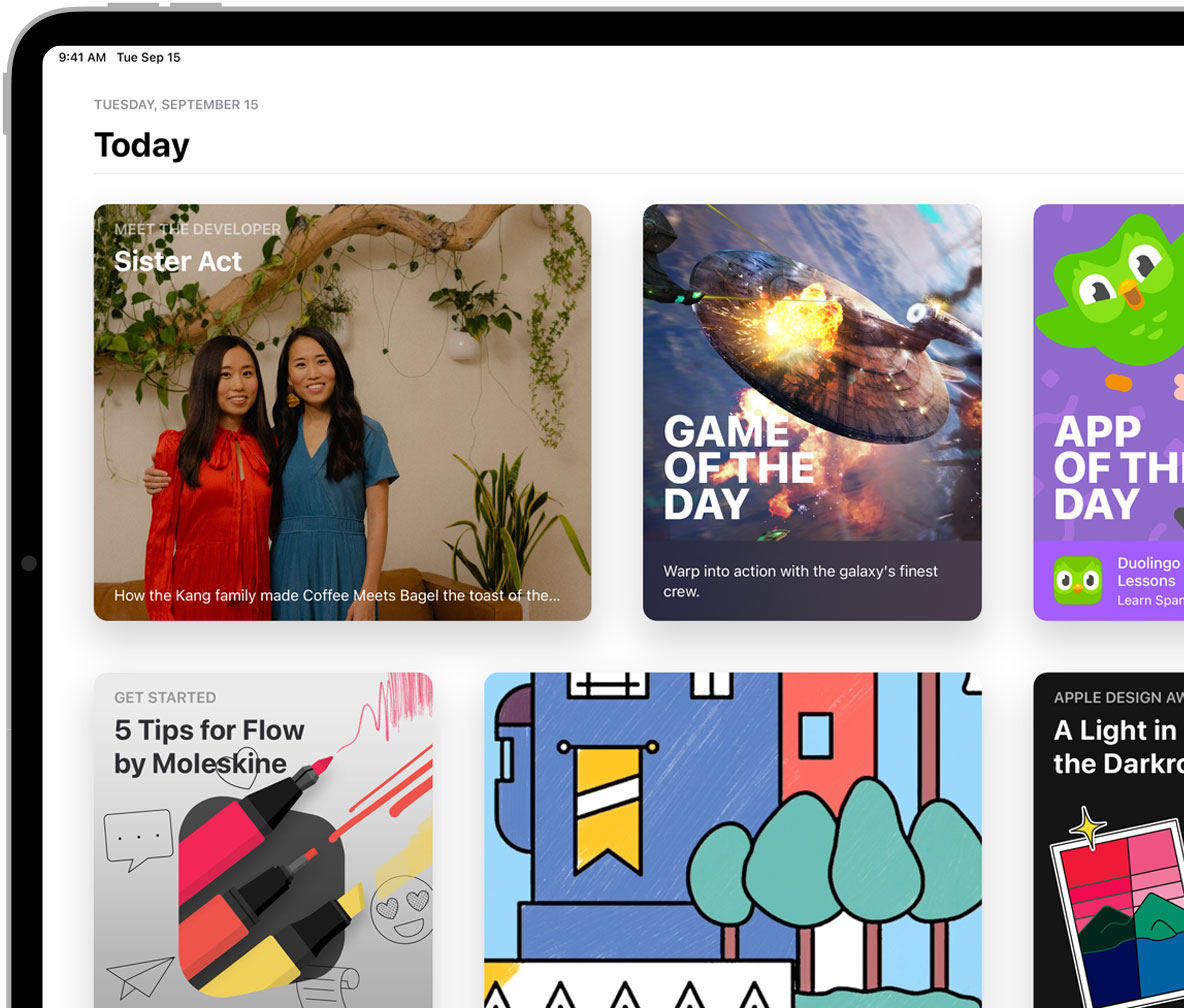
Use it for App Store apps, games, supported in-app purchases, and digital subscriptions and content such as Apple Music or iCloud+ that accept account balance. Availability depends on your account region and the checkout page.
Can I pay for every subscription?
Only purchases that accept Apple Account balance are eligible. Some subscriptions or purchases still require another payment method on file, even with enough balance. Check the payment options for your intended subscription first.
How do I redeem the digital code?
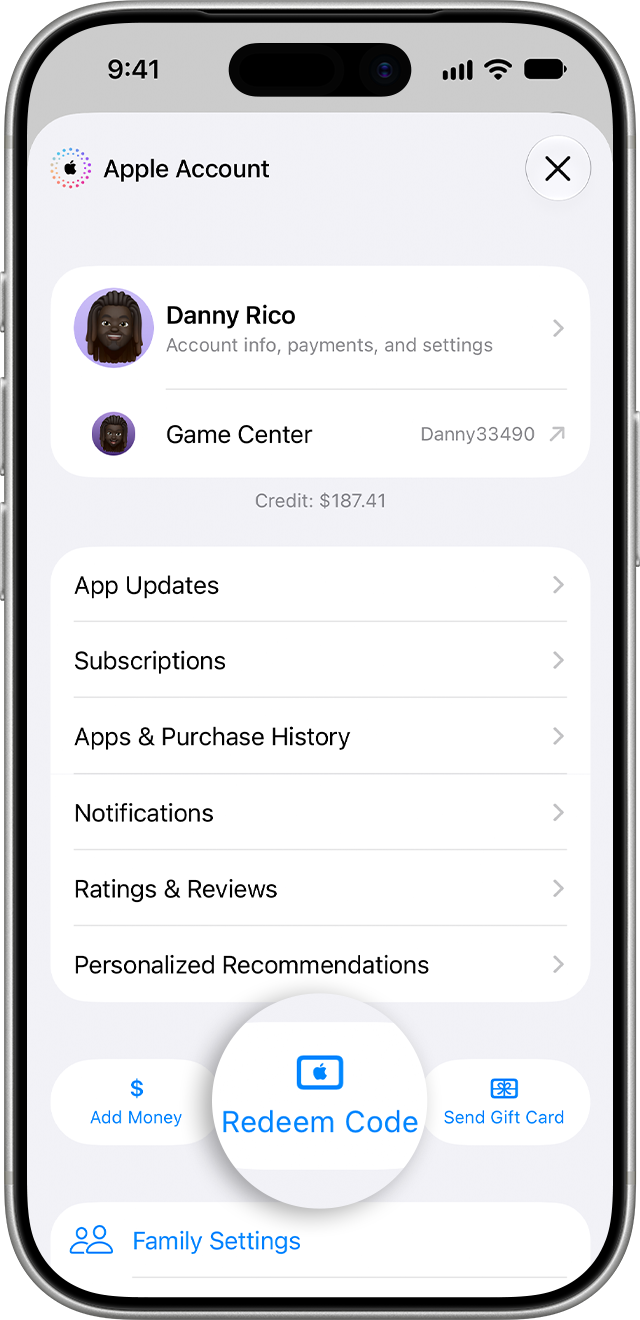
Open the App Store, tap your profile picture, and select Redeem Code. Choose manual entry and paste the code from your order. Check the signed-in account before submitting, then check the balance after redemption.
Can I redeem across regions or split one card between accounts?
Redeem the card on an account in the matching country or region. A successfully redeemed code cannot be used again or split between multiple accounts.
What if the code is invalid, already used, or for another region?
Check the code entered, the region selected in your order, and the account used for redemption. If it says already used, check that account’s balance first. If the issue remains, keep your order number, an error screenshot, and the time of the error, then contact customer support to verify the code.
Can I get a refund or change regions after delivery?
No refunds or exchanges after successful delivery. ezsub guarantees that the code is valid when delivered. Contact customer support to verify a code issue. Check your account region and selected product option before ordering.
How should I keep the code safe?
Keep the code private and redeem it through your own App Store account. Do not post the full code in reviews, public screenshots, or conversations with strangers.